
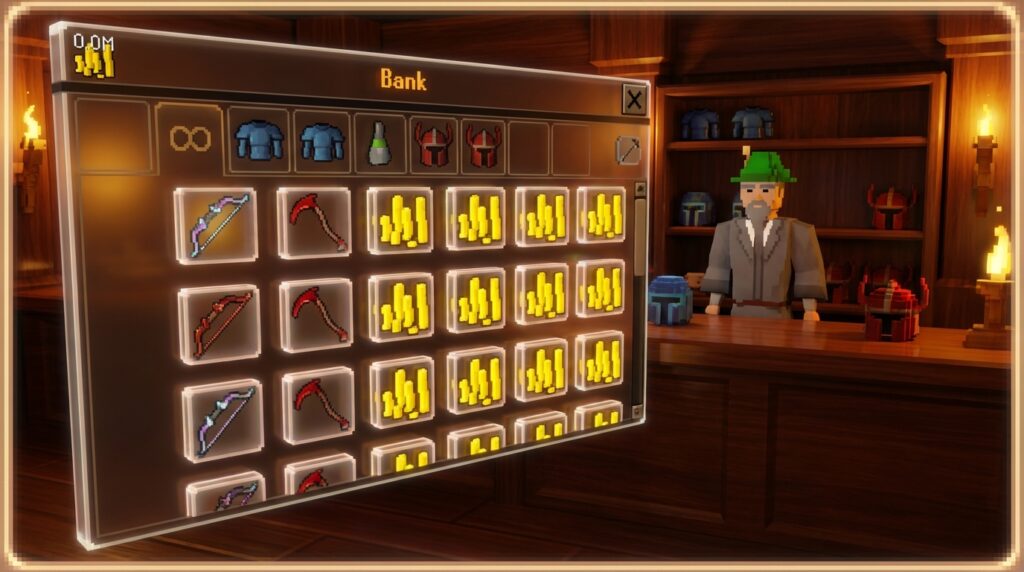
Staring at a cluttered bank after a long Slayer task can feel more exhausting than fighting Vorkath himself. Whether you are trying to find your Graceful outfit for a farm run or gearing up for a high-level Raid, a messy vault slows you down and kills your experience rates. Mastering a few OSRS bank organization tips will transform your gameplay from a frantic search into a smooth, efficient process that saves you hours of time in the long run.
New updates and RuneLite features have made it easier than ever to keep your inventory looking sharp. By setting up permanent placeholders for your Dragon scimitar or Abyssal whip, you ensure your gear always has a home even when you’re out adventuring. Using simple tools like bank fillers and the Insert mode allows you to create a symmetrical layout that makes banking between boss kills faster than ever.
Key Takeaways
- Enable the ‘Always set placeholders’ lock icon and ‘Insert’ mode to maintain a consistent visual layout and prevent your bank from shifting when gear is withdrawn.
- Utilize RuneLite’s Bank Tag Tabs and Layout Markers to create activity-specific views that mimic your inventory setup for faster re-gearing during bossing or Slayer tasks.
- Maintain a symmetrical, professional vault by using Bank Fillers to reserve empty spaces and prevent random loot from cluttering your organized gear rows.
- Reclaim bank space by using the Wise Old Man to delete useless quest items and storing holiday or cosmetic rewards with Diango.
Optimize Your Core Bank Settings And Mechanics
Before you start dragging items around, you need to toggle the Always set placeholders button at the bottom of your bank interface. This small lock icon ensures that when you withdraw your Abyssal whip or Graceful outfit, a ghost version of the item stays behind to save its spot. Without placeholders, your entire inventory layout will collapse and shift every time you gear up for a Slayer task or a farm run. Keeping these slots reserved is the secret to maintaining a consistent visual muscle memory so you always know exactly where your teleports and potions are located.
The next step is switching your rearrange mode from Swap to Insert to give you total control over your item flow. While Swap is fine for quick fixes, Insert allows you to slide a new item like a Dragon defender into a row and watch as every other item shifts over naturally to make room. This is much better for organizing gear sets because it prevents you from accidentally messing up your existing rows when adding new loot. Using Insert mode makes it easy to keep your combat gear in neat, horizontal lines without having to manually move every single piece of armor one by one.
To truly master your layout, you should also utilize bank fillers to keep your items exactly where you want them. By right clicking the settings wrench, you can add these red icons to fill up empty spaces at the end of a row or section. This prevents a random piece of loot from jumping into a spot meant for your high level PvM gear like a Blowpipe or Bandos chestplate. It keeps your bank looking symmetrical and professional, ensuring that your most important items never drift out of their designated positions during a busy session of bossing.
Build A High Efficiency Nine Tab System
Setting up a high-efficiency nine-tab system transforms your bank from a cluttered mess into a streamlined hub for all your adventures. You should start by dedicating your first few tabs to the items you use most frequently, such as a combat tab for your Slayer gear and a consumables tab for potions and food. For example, keeping your Graceful set and Teleport tabs near the top ensures you can re-supply quickly between tasks. Using the Always set placeholders feature is a massive help because it keeps your items in the same spot even after you withdraw them. This consistency helps you build muscle memory so you can gear up for a boss like Zulrah or Vorkath in seconds rather than minutes.
Beyond basic gear, you should organize your remaining tabs by specific activities like skilling, loot, and quest items. A dedicated skilling tab might hold your Dragon pickaxe, tinderboxes, and stacks of mahogany planks, while a loot tab acts as a temporary home for your drops from Slayer tasks. To take your efficiency even further, you can use RuneLite’s Bank Tag Tabs and Layout Markers to create custom views for specific activities like Chambers of Xeric. These tools allow you to visually group your gear without moving the items in your main bank, giving you a perfect setup every time. By using bank fillers to keep your rows neat and symmetrical, you create a professional layout that makes the game much more enjoyable to play.
Master RuneLite Bank Tags And Layout Markers
The Bank Tag Tabs plugin is a massive improvement for anyone tired of scrolling through hundreds of items just to find their gear for a boss task. Instead of relying on the standard vertical tabs, this plugin lets you create custom icons on the side of your bank interface for specific activities like Zulrah, Vorkath, or even farm runs. When you click a tag, it filters your bank to show only the items you have assigned to that specific category, such as your blowpipe, anti-venom potions, and Zul-andra teleports. This setup saves you a massive amount of time during re-gearing and ensures you never forget a crucial item before heading into an instance. You can even customize the icons for these tabs using any item in the game to make your bank look clean and professional.
Layout markers take your efficiency a step further by allowing you to set a specific visual order for your items regardless of where they actually live in your main bank. By enabling the layout option within a tag tab, you can drag and drop your gear into a grid that mimics your inventory or equipment slots. For example, you can place your Slayer helm, fighter torso, and dragon defender in the top row, followed by your combat potions and food directly below them. This creates a visual map that makes clicking through your bank feel like second nature. It eliminates the frustration of hunting for that one stray prayer potion or ring swap that always seems to get lost in a sea of pixels.
Mastering these tools is the best way to turn a messy, overwhelming bank into a streamlined hub for all your adventures in Gielinor. Once you have your tags set up for common tasks like Chambers of Xeric or your daily herb runs, you will notice your downtime between activities shrinks significantly. You can switch from a melee setup to a full magic gear set in just a few seconds without ever losing your place. This level of organization keeps your head in the game and prevents the burnout that often comes from spending more time banking than actually playing. Setting this up takes a few minutes of effort, but the long term quality of life improvement is worth every second.
Clear Out Junk Using The Incinerator And Diango
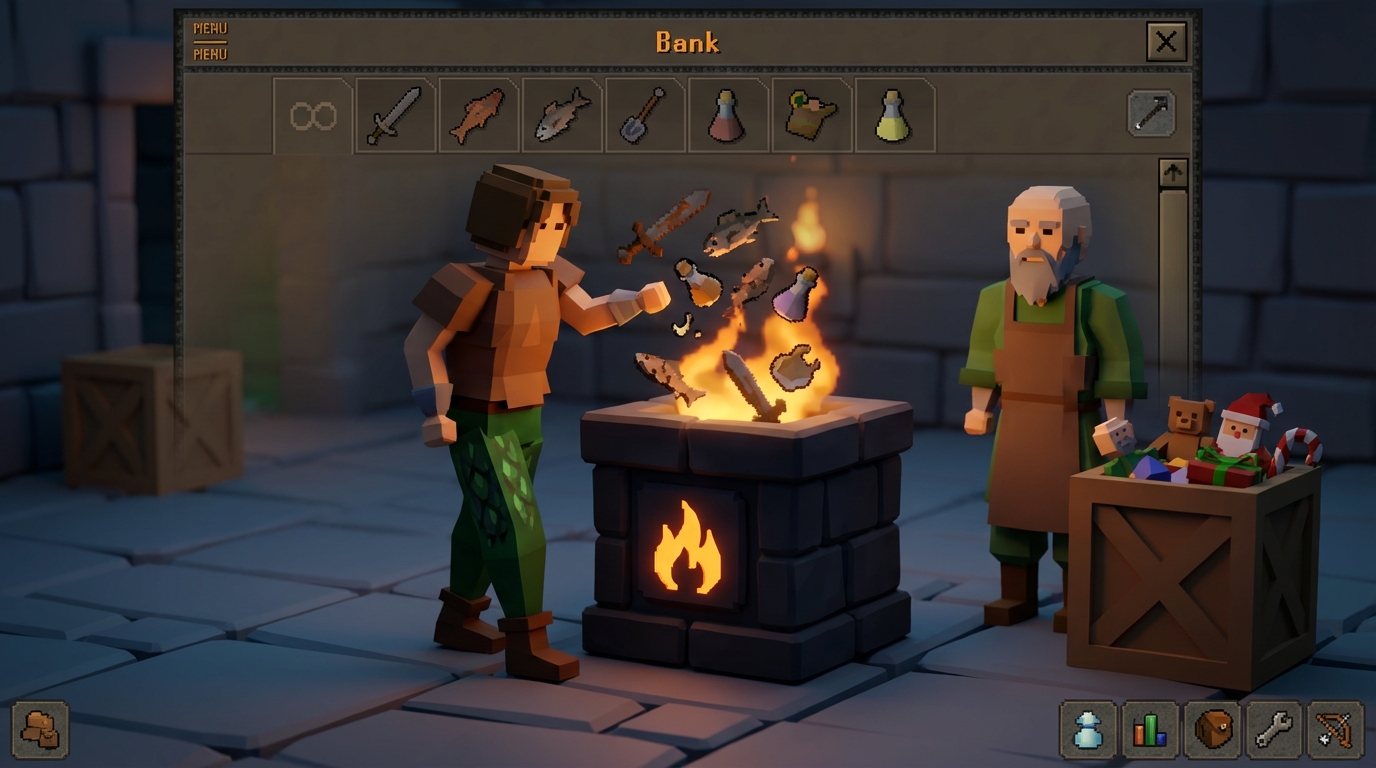
Before you can build the perfect gear tabs, you need to reclaim bank space by getting rid of the clutter you no longer need. Start by visiting the Wise Old Man in Draynor Village, who can scan your bank for useless quest items like the Blurite Sword or finished scrolls. He will identify items that no longer serve a purpose, allowing you to discard them instantly and free up dozens of slots for your high-level PvM gear. If you prefer to do it yourself, use the incinerator icon at the bottom of the bank interface to permanently delete junk. Just be sure to toggle the confirmation setting so you do not accidentally destroy something valuable like your Dragon Scimitar.
Holiday rewards and cosmetic items are common space-wasters that often sit unused for years. Instead of letting your Diango items like the Bunny Ears or the Scythe take up valuable real estate, you can safely destroy them to clear out your tabs. This trick also works for many items found in your Player Owned House, such as the Graceful outfit if you have a costume room. Clearing these out ensures that your layout markers and tag tabs remain focused on items that actually help you progress in the game.
Streamline Your Slayer Tasks and Farm Runs
Organizing your bank is one of the best favors you can do for yourself to make your daily adventures in Gielinor much smoother. By moving away from a single cluttered pile and utilizing RuneLite features like tag tabs, you can create dedicated setups for specific activities like Slayer or farm runs. Instead of searching for your Dragon Scimitar or Graceful outfit every time you log in, you will have everything ready in a single, customized view. These small changes drastically reduce the time you spend standing at a bank booth and increase the time you spend actually playing the game.
Once you have your layout markers and placeholders set up, you will notice a huge improvement in your gear switching and inventory management. You can arrange your potions, food, and teleport jewelry in a way that matches your inventory layout, making re-stocking for boss fights like Zulrah or Vorkath feel like second nature. A clean bank eliminates the frustration of losing track of your items and helps you stay focused on your long term goals. You have put in the hard work to clean things up, so now you can finally enjoy a more efficient and stress-free experience every time you open your bank.
Frequently Asked Questions
1. How do I stop my bank from getting messy every time I take out my gear?
You should toggle the Always set placeholders button, which looks like a small lock icon at the bottom of your bank interface. This leaves a ghost version of your items behind so your Abyssal whip or Graceful boots always have a dedicated home. Using placeholders prevents your entire layout from shifting and helps you build muscle memory for where your gear belongs.
2. What is the best way to move items around without ruining my current layout?
Switch your rearrange mode from Swap to Insert to gain total control over your item flow. When you use Insert mode, you can slide a new item like a Dragon defender into a row and the other items will naturally shift over to make room. This is much better than Swap mode because it allows you to organize gear sets without accidentally messing up your existing rows.
3. Can I organize my bank while I am out doing a Slayer task?
You need to be at a physical bank booth or using a bank chest to rearrange your main tabs and settings. While you are out on a Slayer task, you can plan your layout, but you must visit a bank to toggle placeholders or move items into their permanent spots. Taking a few minutes between trips to clean up your loot will save you hours of frustration later.
4. Why should I use bank fillers in my vault?
Bank fillers are temporary blocks that stop you from accidentally depositing items into empty spaces. They are perfect for keeping your layout symmetrical and ensuring that your loot from boss kills doesn’t clutter up your organized gear tabs. You can easily remove all fillers at once by right clicking the settings icon when you are ready to fill those spots with real items.
5. How do I keep my teleports and potions easy to find?
Group your teleports and potions into a dedicated tab and use placeholders to keep them in the same spot every time. This allows you to quickly grab a Prayer potion or a Teleport to House tablet without searching through a pile of random junk. Consistency is key, so try to keep your combat potions in the same row as your food for faster gearing.
6. Is there a way to make banking faster between boss kills?
Using a combination of Insert mode and permanent placeholders is the fastest way to get back into the action. When your Dragon scimitar and food always have a reserved slot, you can deposit your entire inventory and re gear in seconds. This efficiency helps you maintain higher experience rates and get more kills per hour at bosses like Vorkath. To further optimize your efficiency, make sure to check out the ultimate guide to the OSRS Slayer block list update to ensure you are only fighting the most profitable monsters. Following the ultimate OSRS gear upgrade order will also help you decide which items deserve a permanent spot in your primary tabs.