
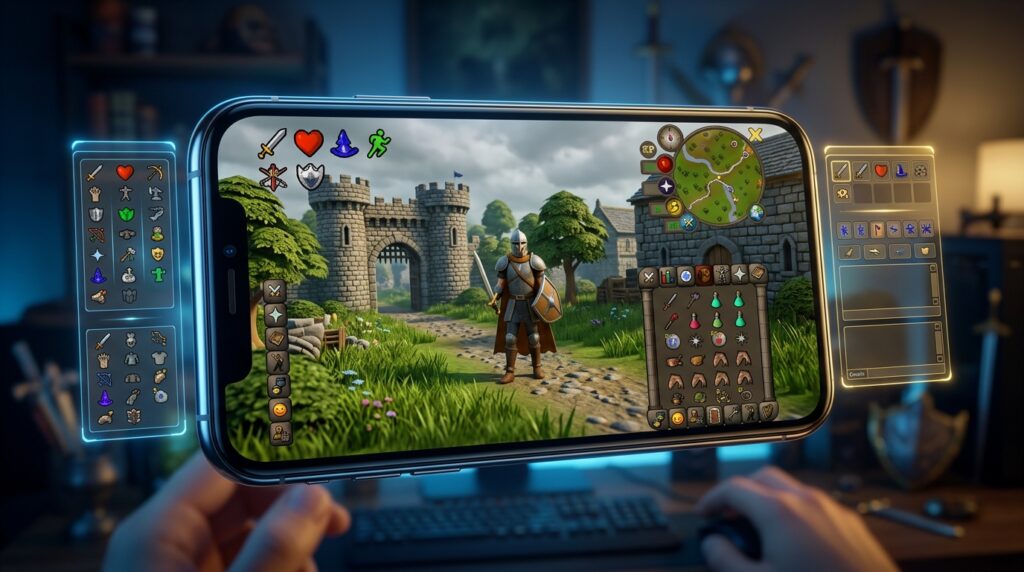
Choosing the best OSRS mobile client matters when you want to protect your account and keep working toward your Old School RuneScape goals on the go. For most players, the official OSRS mobile app is the safest choice. It supports iOS and Android, offers secure login, and carries your progress over from desktop. You can train skills, complete quests, and manage activities such as Slayer tasks without using an unapproved client.
The app is built for touch controls, but some actions can feel cramped on a small screen. You also get fewer extra tools than you would with some desktop setups. Even so, official support and reliable updates make it the best choice for most players who want to play OSRS on mobile without putting their accounts at unnecessary risk.
Key Takeaways
- The official OSRS mobile app is the safest and most practical choice for iOS and Android, with secure login, official updates, account support, and seamless progression across mobile and desktop.
- Mobile OSRS works best for everyday activities such as skilling, quests, banking, Slayer tasks, farm runs, and Grand Exchange trips, while small screens and touch controls make precise bossing and prayer switches more difficult.
- Choose a larger phone or tablet, stable connection, and sufficient battery for longer sessions; avoid high-risk PvM when your device or connection cannot support accurate, responsive controls.
- Avoid unofficial mobile ports and modified clients because they may expose login details, lack security updates, violate game rules, or stop working after OSRS updates. Use approved desktop clients when you need overlays, tile markers, timers, or other advanced tools.
Choosing an OSRS Mobile Client
Finding the best OSRS mobile client starts with choosing the right version of RuneScape. This guide focuses on Old School RuneScape, often called OSRS, rather than RuneScape 3. The two games have different interfaces, features, and mobile experiences. For most players, the official OSRS mobile app is the safest and most practical choice on iOS and Android. It supports cross-platform progression, so you can switch between your phone, tablet, and computer without starting over. Your main decision is whether its touch controls suit your needs better than a desktop-only client or an unofficial mobile option.
The official app works well for everyday activities such as fishing, woodcutting, cooking, quests, and short trips to the Grand Exchange. Its larger buttons and adjustable interface make common taps easier, although inventory-heavy skilling can still feel cramped on a small phone. Demanding activities, including high-level bossing, precise prayer switches, and complicated PvM encounters, may be harder with touch controls than with a mouse and keyboard. You also get fewer extra tools than with some desktop setups, but official updates and account support provide valuable peace of mind. In most cases, the official app is the best OSRS mobile client, while your device size and preferred activities determine how comfortable it feels.
Official OSRS Mobile App
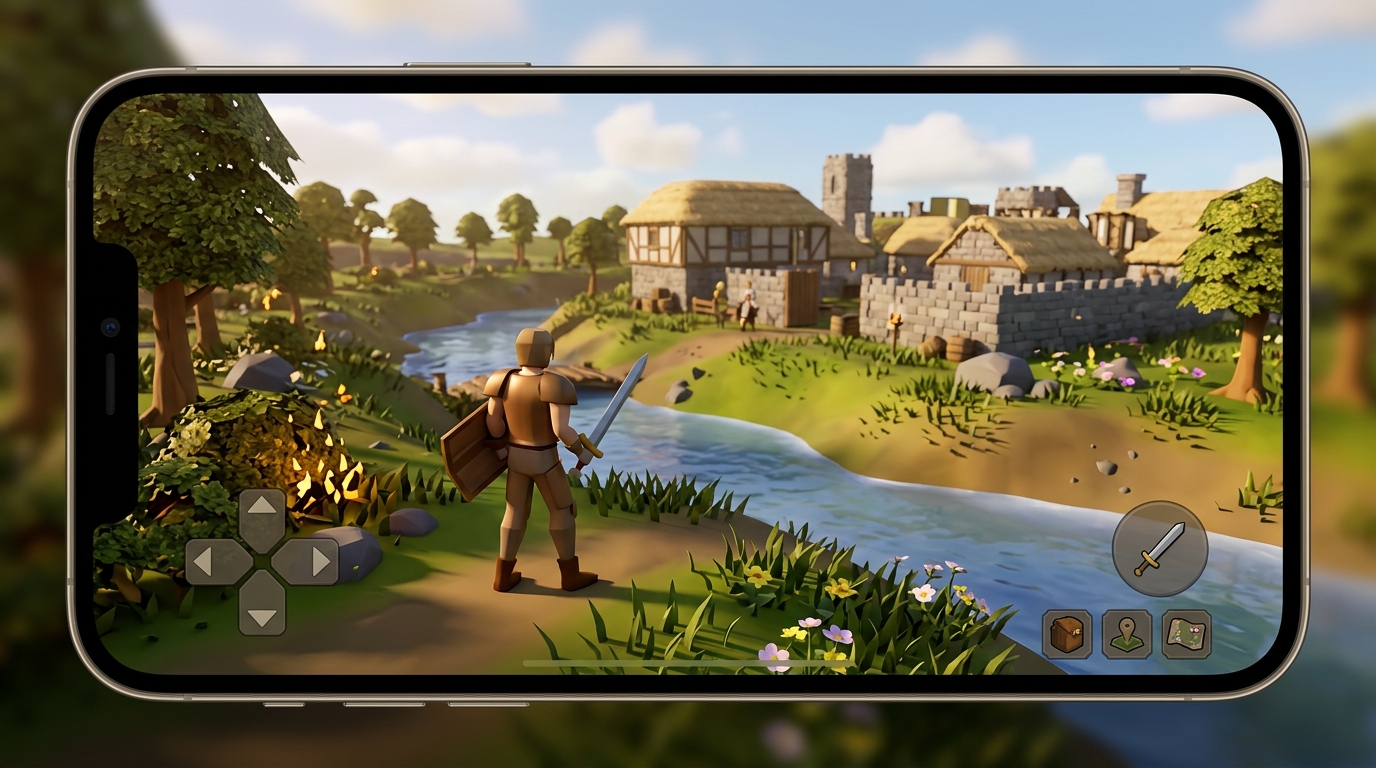
For most players, the official Old School RuneScape app is the best OSRS mobile client on iOS and Android. You can log in with your supported RuneScape account and continue using the same character across mobile and desktop. Your quests, levels, items, and bank progress stay together. Touch-friendly controls make common activities such as fishing, woodcutting, banking, and combat easy to manage on a phone or tablet. The app is also available through official app stores, giving you a safe way to receive updates.
The official app is a strong choice when account security and convenience matter more than extra features. Unlike feature-heavy desktop clients, it does not include a large plugin library, so you get fewer overlays and customization tools for activities such as bossing or advanced skilling. Some menus can feel cramped, and difficult fights may be less comfortable with taps than with a mouse and keyboard. Even so, the app gives you reliable access to Old School RuneScape without relying on an unapproved mobile client.
Desktop Clients and Mobile Alternatives
For almost everyone, the official Old School RuneScape app is the best OSRS mobile client for iOS and Android. It is officially supported, uses your normal account, and lets you continue using the same character across mobile and desktop. The touch-friendly interface works well for everyday activities such as fishing, woodcutting, quests, and trips to the Grand Exchange. Some controls may feel cramped, and high-level bossing can be harder on a small screen than with a keyboard and mouse. Still, the official app provides the safest and most reliable mobile experience.
Some popular desktop clients are designed for computer play rather than mobile devices. You may find unofficial mobile ports or modified clients that try to bring desktop-style features to your phone, but their quality and maintenance can vary widely. An update may stop working after an OSRS change, and a neglected port may lack important security fixes. You should also check whether a client follows the game’s rules before signing in, since unsupported features can create account or rule-compliance concerns. A familiar plugin list is not worth putting your account at risk.
If you want extra interface tools, the official mobile app may feel more limited than a feature-rich desktop setup, especially for activities that benefit from overlays or precise clicks. It remains the better choice for mobile skilling, short trips, quests, and routine gameplay, while demanding activities such as the Theatre of Blood or high-level raids may be less comfortable with touch controls. Third-party alternatives can also expose your login details if they come from an unknown source or handle authentication poorly. Unless you fully understand a client’s security record and the current game rules, use the official app for mobile OSRS.
OSRS Mobile Features by Playstyle

For skilling, the official Old School RuneScape mobile app is the best OSRS mobile client for most players. Fishing at Barbarian Village, woodcutting near the Grand Exchange, cooking at a bank, and other bankstanding tasks work well with touch controls and a larger phone or tablet screen. Quick actions, a mobile-friendly inventory, and idle notifications make it easy to check your character without watching every game tick. On a smaller phone, repeated taps and compact menus can still feel tiring during long sessions.
Demanding PvM is possible, but your device and setup matter more. Zulrah and the Fight Caves require fast movement, prayer changes, and accurate taps. Chambers of Xeric and other high-level bosses can feel cramped when you need to switch gear, eat, pray, and move at the same time. A tablet gives you more room for the game view and inventory, but touch controls remain less precise than a mouse and keyboard. You also miss desktop overlays that can show tile markers, attack timing, and other information. Learning the mechanics and keeping your interface uncluttered becomes more important.
Notifications are useful for skilling and alerts, but they cannot replace your attention during active combat. The official app supports secure cross-platform progression and is the safest choice on iOS and Android. Its main trade-off is that it offers fewer interface aids than a desktop setup. If you mainly fish, woodcut, cook, or bankstand, a phone is usually enough, while a tablet makes these tasks more comfortable. For serious Zulrah attempts, the Fight Caves, Chambers of Xeric, or high-level bossing, choose the largest screen you can use comfortably and expect a steeper learning curve.
Choosing Your OSRS Mobile Setup
For almost everyone, the official Old School RuneScape app on iOS or Android is the best OSRS mobile client. Check that your phone or tablet runs the current app smoothly, has enough battery for longer sessions, and can maintain a stable Wi-Fi or mobile data connection. Your account progress carries between mobile and desktop, so you can move from a phone to a computer without starting over. The touch-friendly interface works especially well for everyday activities such as Fishing, Woodcutting, Slayer tasks, banking, and Grand Exchange trips.
Your preferred activities should determine how much you rely on mobile play. Mobile is convenient for simple skilling, farm runs, herb runs, and short Slayer sessions, but smaller controls and fewer visual aids can make precise combat more difficult. If your connection is unreliable, avoid high-risk activities where a delay could cost you supplies or a death, such as the Theatre of Blood, Zulrah, or high-level Wilderness fights. For relaxed play, the official app offers the safest and most practical setup without requiring an unapproved mobile client.
A desktop client makes more sense when you need tools that support complex tasks. Plugin features can help with quest steps, tile markers for boss mechanics, attack and potion timers, gear setups, and other information that is harder to manage on a phone. You can use the official app for casual sessions, then switch to a desktop client for questing, bossing, achievement diaries, or activities that require exact positioning. Keep mobile play on the official app and use approved desktop tools when you need more RuneScape features.
Choose the Official OSRS Mobile App
For almost everyone, the official Old School RuneScape mobile app is the best and safest mobile client. You get full cross-platform progression on iOS and Android, so you can switch between your phone, tablet, and desktop without starting over. Its touch-friendly interface works well for activities such as fishing, woodcutting, Slayer tasks, and managing the Grand Exchange, although bossing and precise prayer switches can feel cramped on a smaller screen. Official updates through trusted app stores also provide stronger account security and reliable support.
Desktop clients remain the stronger option when you want advanced tools such as detailed tile markers, boss helpers, and skilling overlays. There is no official mobile version of these desktop tools. Unofficial mobile ports may promise extra features, but the security, account, update, and support concerns are not worth the risk. Before using any third-party service or tool, learn about the risks of OSRS boosting services so you can protect your account and make informed choices. For a dependable mobile experience, use the official OSRS app and approved desktop tools when you need additional RuneScape features.