
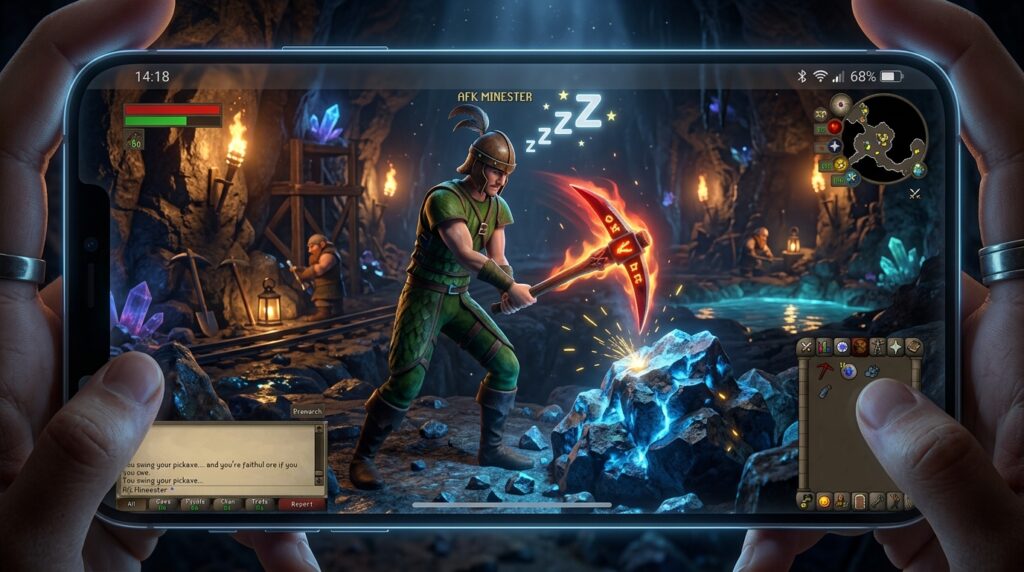
You no longer have to be chained to your desk to make serious progress on your account. Thanks to recent UI overhauls and client updates, finding osrs mobile friendly skills is easier than ever, allowing you to gain experience while you are commuting or relaxing on the couch. Whether you want to tap through a high-intensity Slayer task or prefer the low-effort chill of Woodcutting, the mobile app has become a powerhouse for consistent gains.
Combat training is a perfect example of how the mobile experience has evolved to fit your lifestyle. You can set your character to auto-retaliate at the Nightmare Zone or face off against Vyrewatch Sentinels for great loot with very little tapping required. These methods let you stack up millions of experience points throughout your day without feeling like you are constantly staring at your phone screen.
Key Takeaways
- The mobile app’s updated UI and auto-retaliate mechanics allow for high-yield combat training through low-intensity methods like the Nightmare Zone and Vyrewatch Sentinels.
- Gathering skills such as Woodcutting and Mining have become ideal mobile activities thanks to Forestry timers and Shooting Stars, which require only occasional screen taps.
- Magic levels can be increased passively during daily commutes by utilizing low-effort techniques like splashing on NPCs or using the automated Plank Make spell.
- Effective mobile progression relies on selecting training methods that match your environment, turning downtime into consistent experience gains without the need for high-intensity clicking.
Low Intensity Combat Training At Nightmare Zone
Training your combat stats through the Nightmare Zone is one of the most relaxed experiences you can have on the mobile app. This method relies on the auto-retaliate mechanic, which allows your character to fight back against waves of monsters without you needing to touch the screen for long periods. It is the perfect setup for when you are at work or commuting because you only need to look down every few minutes to sip a potion. By choosing low-level bosses like the Sand Snake or Count Draynor, you can stay in the dream for hours while barely paying attention. This makes it an ideal way to gain millions of experience points in Attack, Strength, or Defense while you go about your day.
To get started, you simply need to head to Yanille and enter a customizable Rumble session with your favorite melee gear. Once you are inside, gulp down some Overload or Super Combat potions and find a comfortable spot to stand. If you want the most AFK experience possible, using Absorption potions alongside a Rock Cake or Locator Orb will keep your health low and your survivability high. You can easily set your phone aside and let your character do all the work while you focus on other tasks. The game will keep you logged in as long as you are in combat, meaning you can maximize your gains with almost zero effort.
The mobile interface makes managing your resources in the Nightmare Zone incredibly simple with the large inventory icons. You do not need precise clicks or a mouse to stay alive, as a quick tap on a potion bottle every five to twenty minutes is all it takes. This method is highly effective for players who want to reach high-level content like Bossing or Raids but do not have the time for intense clicking sessions. Since recent updates have improved the mobile UI, tracking your boost timers and health is easier than ever before. You can turn a boring bus ride into a massive boost for your combat levels without ever feeling like you are grinding.
Profitable AFK Slayer Methods And Vyrewatch Sentinels
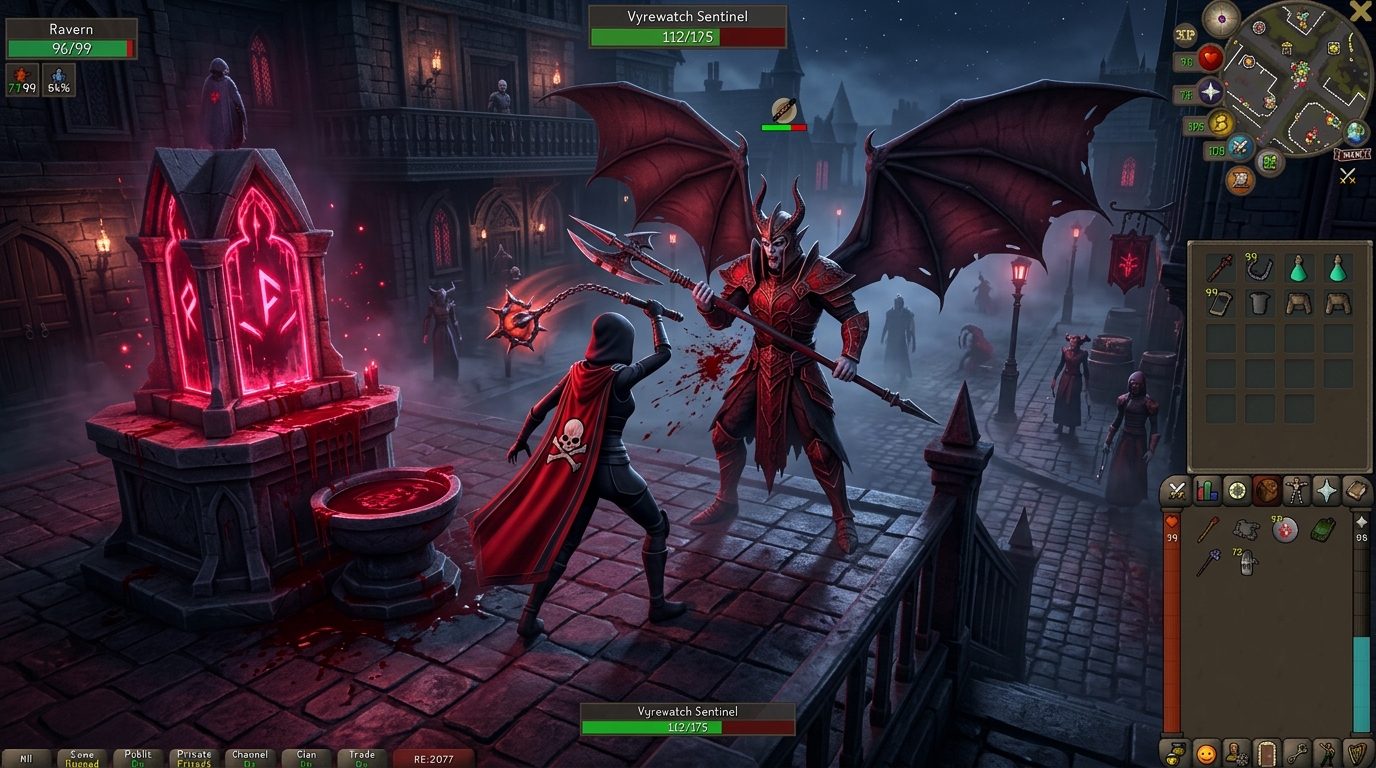
Parking your character at Vyrewatch Sentinels is one of the most effective ways to earn consistent gold while you are busy with work or your daily commute. These monsters are located in Darkmeyer and are aggressive, meaning they will automatically attack you as long as you are standing nearby. Because they are situated right next to an altar, you can easily restore your Prayer points with a single tap on your screen every few minutes. This method is incredibly mobile friendly because it requires very little precision and offers a rare chance at the Blood Shard, which sells for millions of gold. You can simply keep your phone on your desk and glance down occasionally to ensure your protection prayers are still active.
If you are looking for pure combat experience with even less interaction, wearing high defense gear at the Bandit Camp is a classic choice that still holds up today. By equipping a set of Justiciar armor or using the healing effects of Guthan the Infested, you can survive for long periods without needing to eat food. Bandits in the Kharidian Desert will stay aggressive toward you as long as you are wearing an item associated with Saradomin or Zamorak, such as a god cape or blessing. This allows you to gain thousands of experience points in Attack, Strength, or Defense while your phone sits in your pocket or cup holder. It is a stress free way to max out your combat stats without the need for a mouse or a complex setup.
For those focusing on their Slayer tasks, using a Cannon or high defense gear can turn a tedious grind into a passive mobile activity. You can set up your cannon in multi combat zones and let the auto retaliate mechanic do the heavy lifting while you focus on other real life tasks. Many players prefer to use heavy platebody armor to minimize the damage they take, extending the time between needed heals or bank trips. Since the mobile UI has been updated to make inventory management easier, restocking your cannonballs or sipping a potion takes only a second. This approach ensures you are always making progress toward your Slayer cape even when you cannot give the game your full attention. To further optimize your efficiency, you should check your Slayer block list to ensure you are only assigned tasks that are easy to manage on a mobile device.
Relaxing Gathering Skills With Forestry And Shooting Stars
Woodcutting and Mining have been completely transformed into the ultimate mobile activities thanks to recent social updates. If you are playing during your commute or while sitting at your desk, Forestry makes Woodcutting incredibly easy because trees now stay standing based on a timer rather than a random chance per log. You can tap a tree once and chat with other players while your character chops away for a significant amount of time. This eliminates the frustration of constant clicking and allows you to focus on your surroundings while still making steady progress toward your 99 cape. It is the perfect way to turn a once tedious gathering skill into a relaxing background task on your phone.
Mining has seen a similar revolution with the massive changes to Shooting Stars, which are now a favorite for mobile users. Instead of competing with others, you can join a crowd of players to mine a single crashed star for up to ninety minutes of low intensity experience. The interaction frequency is so low that you only need to tap your screen every few minutes to find a new layer of the star. This method is ideal for those who want to gain levels without being glued to their device or worrying about precise movements. It is truly a set and forget experience that fits perfectly into a busy lifestyle.
Stress Free Magic Training Using Splashing And Planking
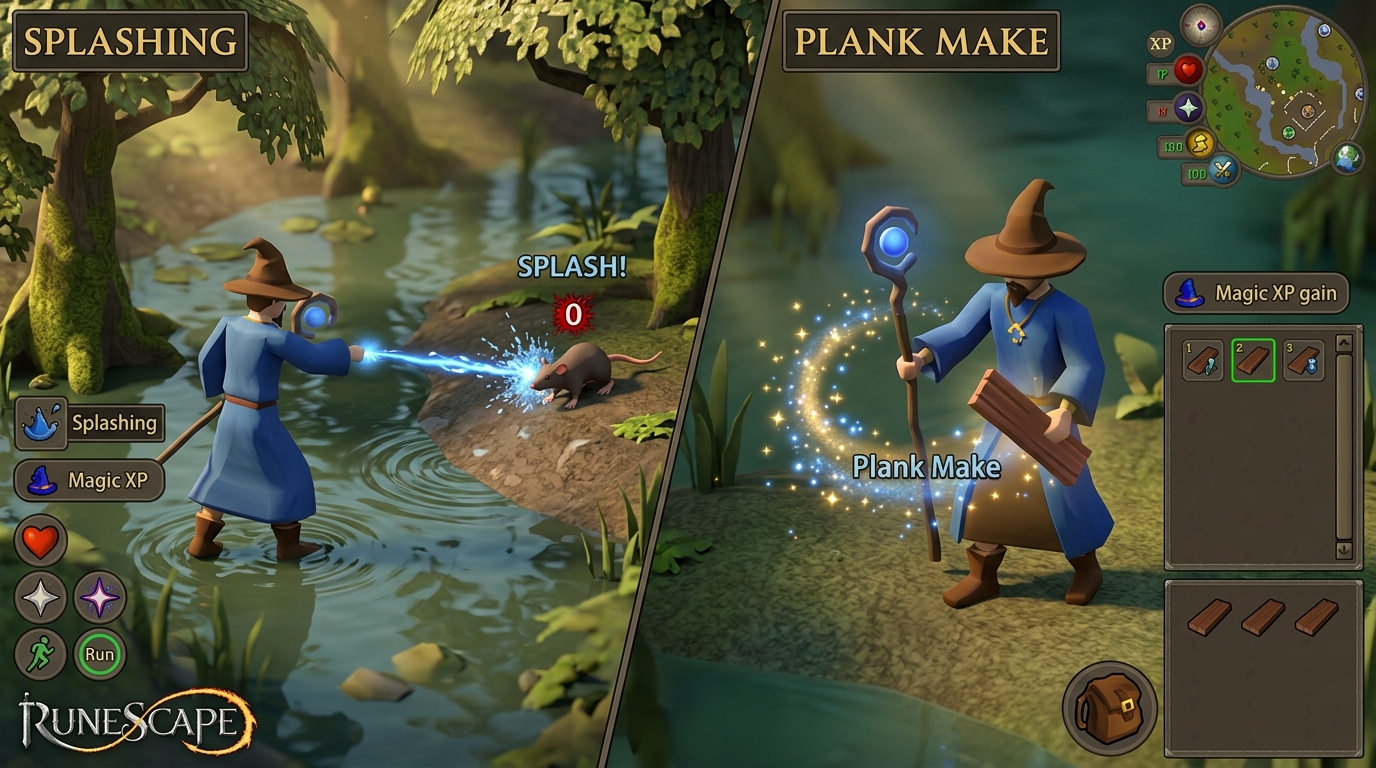
Training your Magic level while you are on the bus or sitting in a meeting is incredibly easy thanks to the splashing method. All you need to do is equip gear that gives you a negative magic attack bonus of at least forty or lower, such as a full set of iron armor and vambs. Once your gear is ready, find a low-level NPC like a seagull in Port Sarim or a rat in Lumbridge and start splashing on NPCs and start casting your combat spells. Because you are guaranteed to miss every shot, you will gain consistent experience without ever killing your target. This allows you to stay logged in and training with just one tap every twenty minutes to prevent your character from timing out.
If you want to spend a bit more money for faster experience, casting the Plank Make spell on the Lunar spellbook is a fantastic mobile alternative. This method is perfect for a commute because it features an internal timer that automatically converts an entire inventory of logs into planks. You simply tap a log once to start the process and then sit back while your character does all the work for you. It requires very little precision on your phone screen, making it much less stressful than traditional high-intensity clicking. You can easily reach your Magic goals while focusing on the world around you instead of staring intensely at your mobile device.
Mastering Your OSRS Mobile Grinds
Finding the right balance between your real-world responsibilities and your OSRS goals is the key to making mobile skilling work for you. Whether you are tapping away during a quiet moment at your desk or grinding out levels on your daily commute, the game now offers incredible flexibility for every type of player. You should choose methods that match your environment, such as low-intensity Nightmare Zone sessions when you cannot look at your screen often. If you have a bit more focus, you might prefer clicking on Shooting Stars to pull in some extra gold while you wait for a bus. The best mobile friendly skills is always the one that feels natural to your routine and does not turn your gaming into a chore.
Recent updates to the mobile client have made it easier than ever to progress without needing a mouse or a high-end computer setup. You can now take advantage of improved menu entry swapping and clearer overlays to make precise tasks like Slayer or Woodcutting feel smooth on a touchscreen. Remember that every bit of experience counts, even if you only have ten minutes to fish some Infernal Eels or check your bird houses. By focusing on these low-stress activities, you will find your levels rising steadily without the burnout that often comes from high-intensity clicking. Keep your goals realistic, stay consistent with your AFK timers, and you will reach those 99s before you even realize it.
Frequently Asked Questions
1. What are the best skills to train on OSRS mobile?
The best skills for mobile are those with low intensity like Woodcutting, Fishing, or combat through the Nightmare Zone. These allow you to make progress with just a few taps while you focus on other things. You can easily rack up millions of experience points while commuting or relaxing.
2. Is combat training difficult on a phone screen?
Not at all, especially if you use the auto-retaliate setting at the Nightmare Zone or against Vyrewatch Sentinels. These methods require very little interaction, making it easy to train your Attack, Strength, or Defense without constant tapping. You just need to check your screen every few minutes to sip a potion.
3. How do I start training at the Nightmare Zone on mobile?
Head to Yanille and start a customizable Rumble session with bosses like the Sand Snake or Count Draynor. Once you are inside, use Overload and Absorption potions to stay safe while your character fights automatically. It is a perfect way to gain combat levels while you are at work or on the move.
4. Can I train Slayer effectively using the mobile app?
Yes, the recent UI updates make Slayer much more manageable on a smaller screen. You can choose high-intensity tasks if you want to be active, or pick chill tasks that rely on auto-retaliate for a more relaxed experience. The mobile client is now a powerhouse for making consistent Slayer gains anywhere.
5. Do I need special gear for mobile combat training?
You should use your best melee gear along with items like a Rock Cake or Locator Orb to keep your hitpoints low when using Absorption potions. This strategy ensures you stay in the Nightmare Zone dream for the longest time possible with minimal effort. It is a very simple setup that works perfectly on a touchscreen.
6. Is mobile training as fast as playing on a computer?
While some high-action activities might feel faster on a PC, mobile is just as effective for many AFK training methods. You can achieve the same experience rates in skills like Woodcutting or Nightmare Zone combat as you would at a desk. It is the best way to keep your account growing during your daily downtime.