
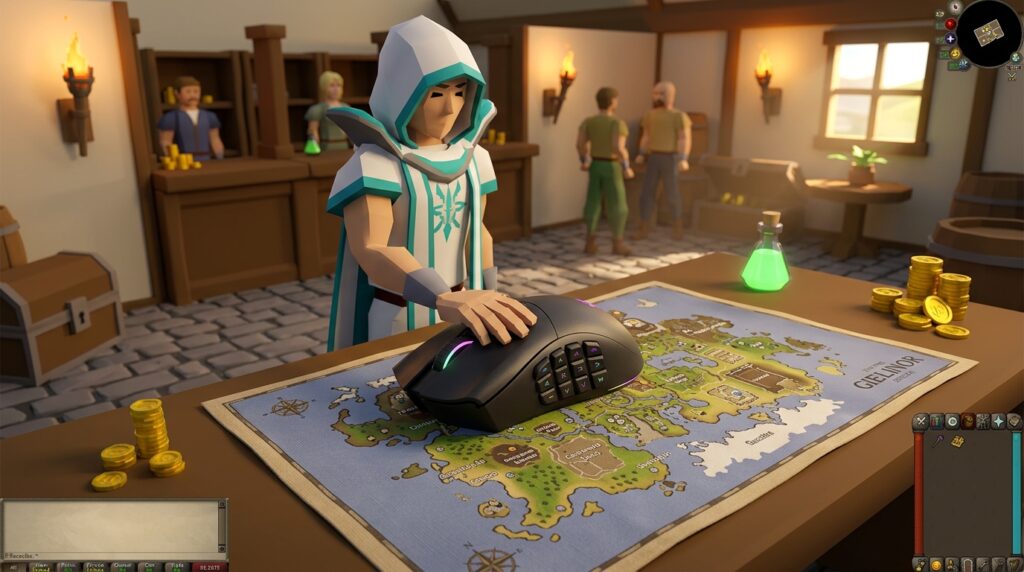
Finding the best osrs mouse setup can be the difference between a successful 3-way gear switch and a frustrating miss-click that sends you back to Lumbridge. Whether you are grinding out thousands of Vorkath kills or trying to survive a high-stakes fight in the Wilderness, your mouse needs to feel like an extension of your hand. You need a tool that balances pinpoint accuracy for those tiny inventory icons with the ergonomic comfort required for a twelve-hour Slayer marathon.
Modern players are ditching clunky office mice for ultra-lightweight designs that make flicking to your Prayer book feel effortless. Mapping your F-keys to side buttons allows you to swap from your Spec weapon to your Defender without your left hand ever leaving the camera keys. By choosing a mouse with durable switches and a top-tier sensor, you ensure that every click registers exactly where you intended, keeping your character safe during the most intense boss encounters.
Key Takeaways
- Map your F-keys to mouse side buttons to enable seamless transitions between your inventory, prayer book, and spellbook without moving your left hand.
- Set your mouse DPI between 400 and 800 and disable Windows mouse acceleration to build the consistent muscle memory required for precise gear switches and tick-perfect movement.
- Utilize RuneLite plugins like Anti-Drag and Menu Entry Swapper to prevent accidental item dragging and streamline complex actions into simple left-clicks.
- Prioritize lightweight hardware with high polling rates and durable switches to reduce hand fatigue and ensure near-instant responsiveness during high-stakes bossing and PvP.
Top Rated Gaming Mice For Precision OSRS Clicks
Finding the right mouse is a significant advantage when you are trying to master tick-perfect movements for high-level bossing or intense PvP. You need a device that feels like an extension of your hand so you can land those precise clicks on a moving target like Zulrah or during a fast-paced switch in a Deep Wildy fight. While many gamers focus on flashy lights, you should prioritize a sensor that never skips and a shape that keeps your hand comfortable during hour-long Raids 3 sessions. A reliable mouse ensures that when you click to pray flick against Jad, your character responds exactly when you expect them to.
The hardware you choose often depends on whether you prefer having every shortcut at your fingertips or a feather-light feel for rapid camera movements. Many top-tier players love mice with extra side buttons because they allow you to map your F-keys, like your Inventory and Prayer books, directly to your thumb. This setup lets you keep your left hand focused on movement or potion sips while your right hand handles the gear swaps. If you are into No Honor PKers style gameplay, a lightweight design might be better to help you flick your cursor across the screen without any drag or resistance.
- Versatile multi-button mice: These are fan favorites because the extra buttons are perfect for mapping your Spec bar or Spellbook for quick Vengeance casts.
- Ultra-lightweight wireless mice: These are the go-to choice for players who want maximum speed and minimal weight when dragging items for 1-tick combat gear swaps.
- Grid-style side button mice: With a massive grid of side buttons, these mice are ideal if you want to play almost entirely one-handed while relaxing during slayer tasks or skilling.
Precision is everything when you are clicking through the final phase of the Theater of Blood or trying to tick-manipulate while mining granite. You want a mouse with durable switches that can withstand the millions of clicks required to reach level 99 in your favorite skills. Modern wireless technology has improved so much that you no longer have to worry about input lag during a critical moment in the Inferno. Choosing a mouse with adjustable DPI settings will also help you find that sweet spot where your cursor moves fast enough for flicking but slow enough to stay accurate on small NPC hitboxes.
Mapping Your F-Keys To Mouse Side Buttons
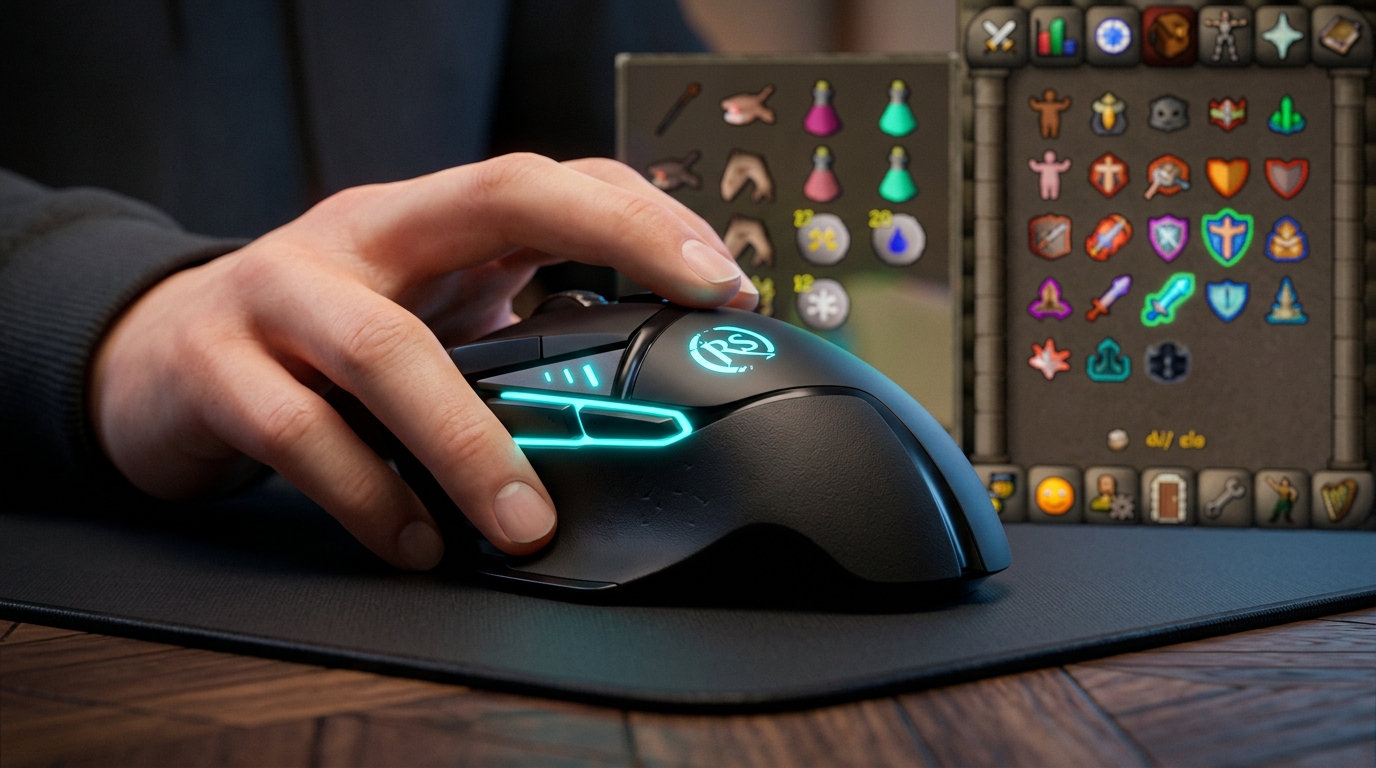
Mapping your F-keys to your mouse side buttons is the single biggest upgrade you can make for high-level bossing and PvP. In Old School RuneScape, every tick counts when you are trying to swap from your gear to your prayer book to block a Jad hit or a stray bolt from a PKer. By moving these shortcuts to your thumb, you keep your left hand free for positioning while your right hand handles the interface navigation. This setup reduces the travel distance for your fingers, which means faster gear switches and more consistent overhead prayer flicking during intense encounters.
Using your mouse software to create these binds allows you to react instantly to mechanics without looking down at your keyboard. Most players find that putting their most-used tabs on the side buttons creates a much more fluid rhythm during combat. For example, having your inventory on one button and your prayer book on another allows you to sip a Saradomin Brew and immediately flick on Protect from Magic without missing a beat. This efficiency is exactly what separates casual players from those who can successfully solo the Chambers of Xeric or the Theatre of Blood.
- Inventory (F1): Assign this to your most accessible side button for quick eating and gear swaps.
- Prayer Book (F3): Map this nearby so you can react to overhead prayer changes instantly during boss fights.
- Spellbook (F4): Put your magic tab on a side button to make casting Ice Barrage or Vengeance feel seamless.
Once you have these binds set up, you will notice that your mouse accuracy actually improves because you are no longer rushing to hit keys on the other side of your desk. Your hand stays in a natural, ergonomic position, which helps prevent fatigue during long grinds like the Inferno or Alchemical Hydra. It might take a few hours to build the muscle memory, but once it clicks, you will never want to go back to clicking the tiny icons at the bottom of your screen. This professional setup is the standard for anyone serious about mastering tick-perfect gameplay.
Optimizing DPI And Polling Rates For Tick Perfect Movement
Finding the right balance between speed and precision is the secret to mastering high-level bossing like the Corrupted Gauntlet or Zulrah. While it might be tempting to crank your DPI to the max, most top-tier players actually prefer a lower setting, typically between 400 and 800 DPI, to prevent overshooting their targets. A lower DPI gives you much more control when you need to quickly switch between your Prayer book and Inventory for a 1-tick gear swap. By keeping your sensitivity consistent, you build the muscle memory required to hit those tiny UI icons every single time without thinking.
Your polling rate also plays a major role in how responsive your mouse feels during a heated fight. Setting your polling rate to 500Hz or 1000Hz ensures that your computer receives your click data almost instantly, which is vital for tick-perfect movement. This responsiveness is especially important when you are dodging falling rocks at Great Olm or trying to time your movement perfectly against Verzik Vitur. If your software allows it, make sure to disable any Windows mouse acceleration or enhance pointer precision settings in your operating system to keep your cursor movement predictable and 1:1 with your hand.
- Set your DPI between 400 and 800 for better accuracy during gear switches.
- Use a 1000Hz polling rate to minimize input lag during high-intensity PvM.
- Disable Windows mouse acceleration to ensure your cursor moves the same distance every time.
- Match your in-game camera sensitivity to your mouse DPI for a seamless experience.
Optimizing these settings helps you stay calm and accurate when the screen gets cluttered with projectiles and floor hazards. When you are deep into a solo Raid or trying to survive a high-risk PvP fight, the last thing you want is a shaky cursor causing you to miss a crucial Protection Prayer. Take a few minutes to test your new settings at the Nightmare Zone or while doing some low-stakes Slayer to get used to the feel. Once you find that sweet spot where your clicks feel natural, you will notice a massive improvement in your ability to survive the most difficult encounters in the game.
Essential Runelite Plugins For Mouse Accuracy
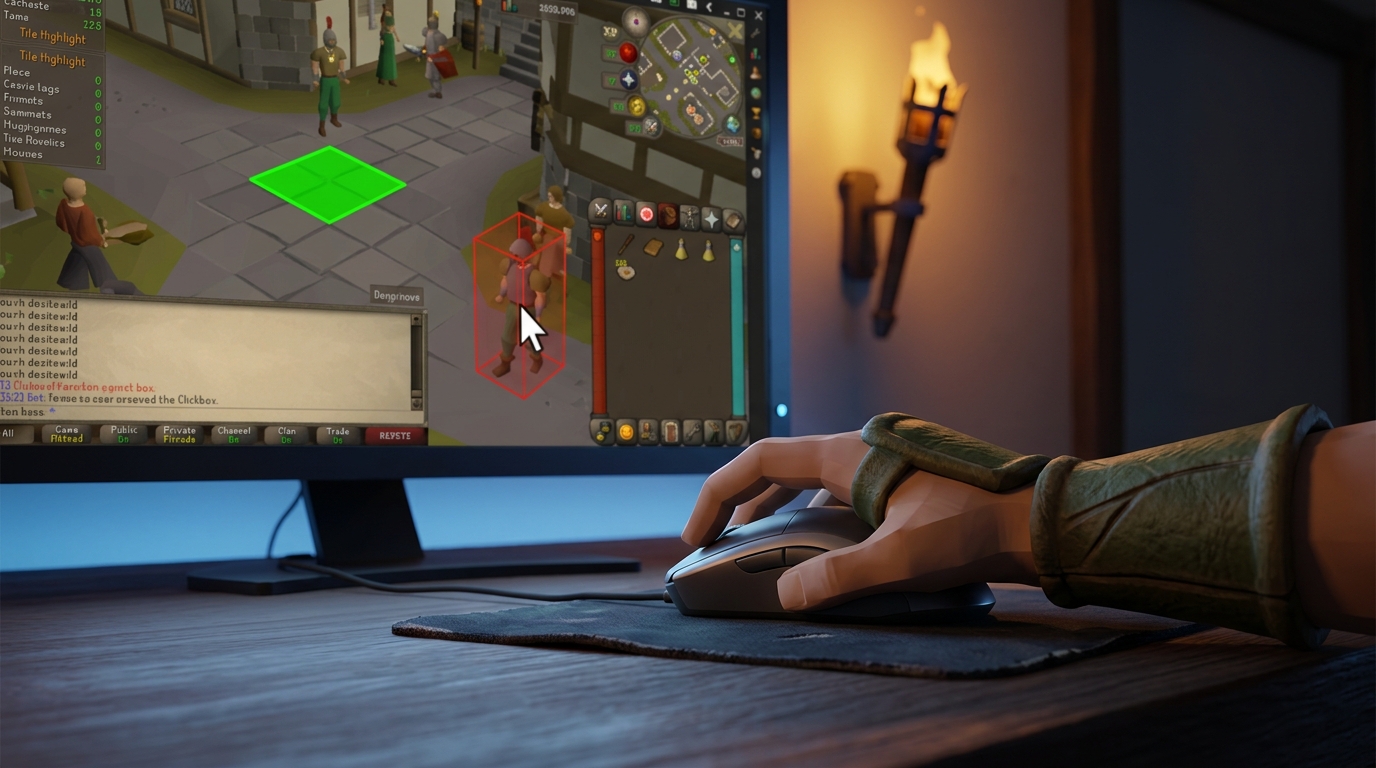
Achieving tick-perfect accuracy during a high-stakes Vardorvis fight or a deep wilderness PK set requires more than just a good sensor. You need to fine-tune your RuneLite settings to ensure your mouse movements translate perfectly into game actions. The Anti-Drag plugin is arguably the most important tool in your arsenal because it prevents your character from walking toward an enemy when you meant to quickly switch your gear. By adjusting the drag delay, you can make sure that a slight jitter of the hand during a 6-way switch doesn’t register as a drag, keeping your inventory management crisp and reliable even when your heart rate is climbing.
The Menu Entry Swapper plugin takes your efficiency a step further by letting you customize exactly what happens when you click on specific objects or NPCs. Instead of right-clicking to use a bone on an altar or banking your loot, you can set these actions to a single left-click. This reduces the physical travel distance of your mouse and minimizes the chance of a misclick during intensive activities like the Great Olm or Phosani’s Nightmare. When every millisecond counts toward your damage per second, removing these extra menu steps is a major improvement for your consistency.
- Set your Anti-Drag delay to a higher threshold like 10 or 15 to prevent accidental item dragging during fast gear swaps.
- Enable Customizable Shift-Click in Menu Entry Swapper to quickly drop junk items or use specific teleports on your jewelry.
- Use the Object Swaps feature to make left-clicking on bank chests and bird houses the default action for faster banking and skilling.
- Turn on the Highlight Hovered Tile feature in Tile Indicators to get visual confirmation of exactly where your mouse is pointing before you click.
Optimizing these specific features creates a safety net that protects you from the common mistakes that lead to a trip back to Lumbridge. You should also master the grid with this RuneLite tile markers guide to display exactly what action you are about to perform right next to your cursor. Having that extra bit of visual feedback ensures you never accidentally drink a Saradomin Brew when you meant to restore your prayer. By combining a top-tier lightweight mouse with these deliberate software tweaks, you will find that bossing feels much smoother and your clicks feel significantly more sticky on your targets.
Mastering Your Clicks for High-Stakes PvM
Finding the perfect mouse setup is about more than just hardware, it is about gaining the confidence to tackle the hardest content in Gielinor. Whether you are clicking through a high-stakes NH fight in the Wilderness or timing your movement correctly at the Theater of Blood, a lightweight mouse can reduce hand fatigue during long sessions. Mapping your F-keys to side buttons allows you to switch between your inventory and prayer book without ever moving your left hand, which is vital for tick-perfect gameplay. These small optimizations reduce the physical travel time of your fingers and help you focus entirely on the mechanics of the boss.
Software tweaks are the final piece of the puzzle to ensure your clicks always land exactly where you intend them to. You should always disable mouse acceleration in your computer settings to build the muscle memory needed for fast gear switches during a Zulrah kill or a high-invocation Tombs of Amascut run. Using a high-quality mousepad alongside these settings will give you a consistent glide that makes dragging items or clicking small prayer icons feel much more fluid. When your hardware and software are perfectly synced, you will find that difficult tasks like prayer flicking or 3-ticking skilling methods become much more natural and less stressful on your wrists.
Investing in a professional setup is the smartest way to protect your account and improve your skills without resorting to risky shortcuts. While it might be tempting to look for an easier path to high-level gear, you should always be aware of the hidden dangers of using third-party account services which can lead to permanent bans or compromised security. True mastery comes from practicing with the right tools and developing the hand-eye coordination that top-tier players use every day. We encourage you to explore our resources and learn how to master the OSRS loot tracker so you can stay safe while mastering the game.