
A bad death in Old School RuneScape can cost far more than supplies and lost time. An OSRS death cost calculator helps you estimate the fee before reclaiming your gear, whether your items are waiting at a gravestone or in Death’s Office. You can also use one to find tradeable items for Death’s Coffer credit and plan future PvM trips with greater confidence.
Your final reclaim fee depends on your items, death location, and current in-game rules. You normally keep your three most valuable items, or one extra item with Protect Item, while the rest remain in your gravestone for 15 minutes of applicable game time. Use a calculator for planning, but always check the in-game death-reclaim screen before paying.
Key Takeaways
- Use an OSRS death cost calculator before PvM to estimate the reclaim fee for gear that could be lost, compare expensive and budget setups, and ensure you can afford the risk.
- You normally keep your three most valuable items, or one additional item with Protect Item; skulled status, death location, and special death rules can change what remains protected.
- Gravestone fees are based on unprotected item-value brackets, while Death’s Office and boss-specific systems may use different reclaim rules. Enter only items you could actually lose when calculating the fee.
- Use a Death’s Coffer calculator to identify suitable tradeable items for future death-fee or instance-charge credit, but always verify the exact amount and item list in the in-game death-reclaim interface before paying.
Introduction To OSRS Death Costs
An OSRS death cost calculator helps you estimate how much gold you may lose when taking valuable gear into PvM content. In Old School RuneScape, a normal death usually sends unprotected items to a gravestone, where you pay a fee to recover them within the available time. Your risk can change based on your protected items, whether you are skulled, your location, and the value assigned to each item. The calculator gives you a quick estimate before you enter a boss fight with gear such as a toxic trident, Bandos armour, or a twisted bow.
This guide covers gravestone recovery fees and Death’s Coffer planning. A death-reclaim estimate helps you budget for recovering your equipment, while a Death’s Coffer calculator helps you compare tradeable items that can be sacrificed for credit toward future death fees and instance charges. Third-party estimates are useful for planning, but the in-game death-reclaim interface remains the most reliable final check because it follows the game’s current values and location rules. Checking your likely cost before bossing lets you choose sensible equipment and avoid taking more financial risk than you can afford.
OSRS Gravestone Reclaim Fee Brackets
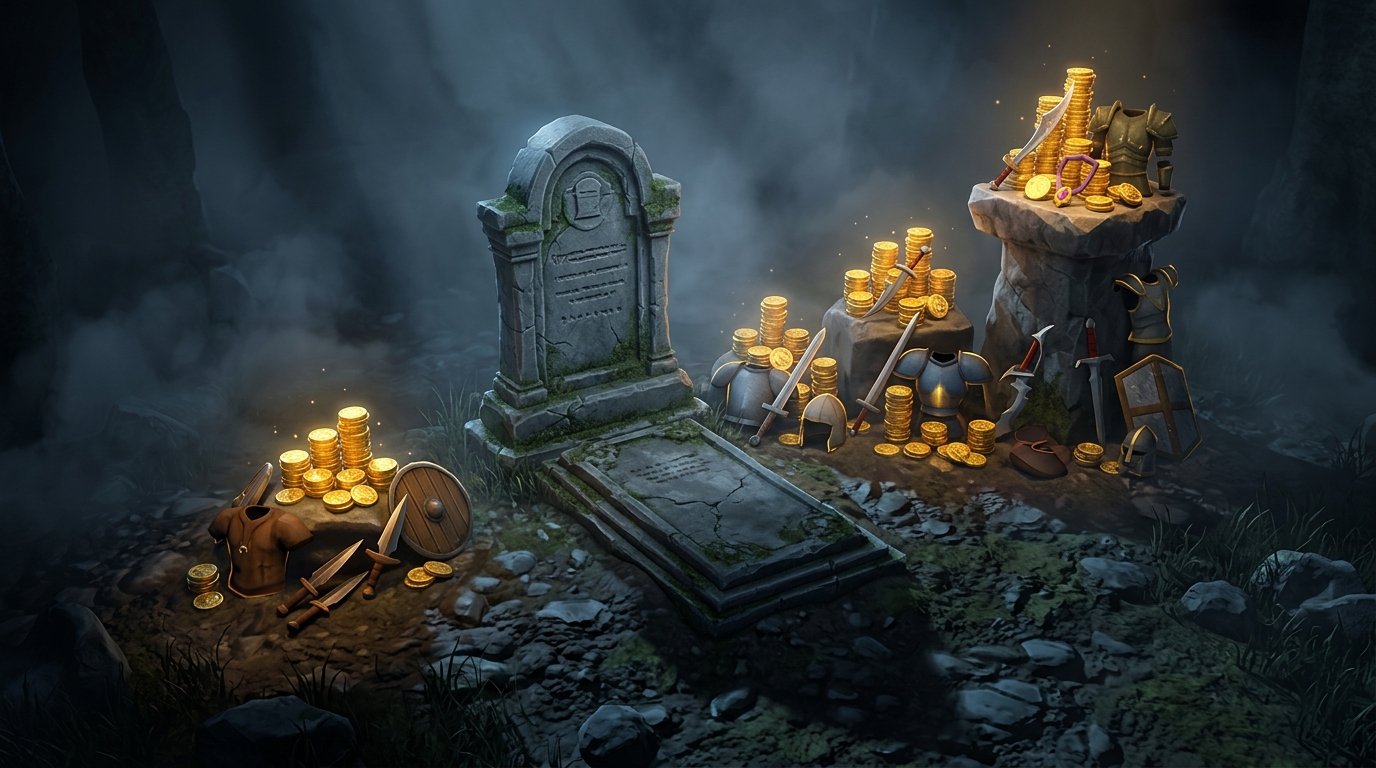
In a standard Old School RuneScape PvM death, you usually keep your three most valuable items automatically, while the rest of your gear is placed in a gravestone. If you are skulled, you normally keep nothing unless you use the Protect Item prayer, which preserves one additional item. Protect Item can therefore save a fourth valuable item, but the items left in your gravestone determine your reclaim fee. Your gravestone remains available for 15 minutes of applicable in-game time, so use an OSRS death cost calculator before risky content and check the timer after returning.
The reclaim fee is based on each item’s value, with cheaper items costing nothing and expensive gear adding a fixed amount per item. Items valued below 100,000 GP add no fee. Items from 100,000 to under 1,000,000 GP add 1,000 GP. Items from 1,000,000 to under 10,000,000 GP add 10,000 GP, and items worth 10,000,000 GP or more add 100,000 GP. For example, a rune platebody below 100,000 GP would add nothing, while an abyssal whip in the 1,000,000 to 10,000,000 GP bracket would add 10,000 GP if it reaches the gravestone. A twisted bow worth more than 10,000,000 GP would add 100,000 GP, although protecting it means it does not contribute to the reclaim fee.
When planning a boss trip, enter only the items you could actually lose into the calculator, including spare weapons, armour, and valuable supplies. Your three automatically protected items and any item saved by Protect Item should not be counted as gravestone fee items. Location-specific death rules and current item values can affect the final amount, so treat a calculator result as an estimate and confirm the exact fee in the in-game death-reclaim interface. This makes it easier to compare the reclaim cost with your expected loot and decide whether your planned gear is worth the risk.
Deaths Office And Coffer Calculator
An OSRS death cost calculator helps you compare a normal gravestone recovery with deaths handled through Death’s Office or another special storage system. After an ordinary PvM death, your three most valuable items are usually protected, with Protect Item able to save one more, while the rest are placed in a gravestone for recovery. Some dangerous activities send your items to Death’s Office or use their own storage rules instead, often changing both the reclaim process and the fee. Before taking expensive gear to a boss, check which system applies so you can estimate your real risk.
A Death’s Coffer calculator shows which tradeable OSRS items you could sacrifice for credit toward future death fees and eligible instance charges. For example, spare Dragon boots, rune equipment, or other tradeable items may be useful if their sacrifice value is better than keeping them in your bank, but you should not give up gear you still need for bossing. Item values can change, and some items may have different values or restrictions, so the calculator provides an estimate rather than a guaranteed total. Always confirm the final amount in the in-game death-reclaim interface, since current values and location-specific rules decide what you actually pay.
Boss Gear Risk Scenarios
Before Vorkath, enter your planned inventory and equipment into an OSRS death cost calculator rather than guessing from the bank value. For example, compare a lower-risk setup with a dragon crossbow, blessed d’hide, and a regular ward against an upgraded setup with a dragon hunter crossbow, Armadyl pieces, and an elysian ward. The calculator helps you see how much the reclaim fee could change, while the in-game reclaim screen remains the final check for current item values and location rules. Remember that your protected items depend on the death situation, skulled status, and Protect Item, so include any valuable unprotected gear in your risk estimate.
The same approach works for Zulrah, the Theatre of Blood, and the Tombs of Amascut, where upgrades can add a large fee without guaranteeing a better result on every trip. At Zulrah, compare a trident, Ahrim’s, and a toxic blowpipe with a setup that adds an imbued heart or expensive jewellery. At the Theatre of Blood, check the risk of taking a scythe of Vitur and Justiciar compared with a more modest melee setup. For the Tombs of Amascut, test whether bringing a Tumeken’s shadow, Masori, and a lightbearer fits your planned death budget, especially if some items will not be protected. If the possible reclaim fee is higher than you are comfortable paying from your PvM profits, use the cheaper setup until your bank can absorb the risk.
Verify OSRS Death Fees In Game
The in-game death-reclaim interface gives you the most reliable final fee because it uses current item values and the rules for the place where you died. This matters when you take expensive gear into dangerous PvM content, since a small change in protected items can greatly affect your risk. A calculator can provide a useful estimate before your trip, but the reclaim screen is the amount you should trust before paying to recover your items. Check the following details before comparing the two figures:
- Enter the exact gear you plan to bring, including weapons, armour, jewellery, and valuable supplies.
- Check whether you are skulled and whether Protect Item is active, since both can change what you keep on death.
- Confirm the death location, such as a gravestone area, the Wilderness, or a boss-specific death system.
- Compare the calculator estimate with the reclaim cost shown in game before confirming payment.
After you die, open the gravestone or Death’s Office reclaim interface and review the item list and fee carefully. Location-specific rules can change how your items are stored and how much you must pay, so an estimate based on a normal PvM death may not match a dangerous boss encounter. If the displayed cost is higher than expected, check for an incorrect item value, skull status, Protect Item setting, or death location in your OSRS death calculator. Treat the in-game figure as the final answer, then decide whether your expected loot justifies bringing that gear back into the fight.
OSRS Death Cost Planning Conclusion
An OSRS death cost calculator helps you estimate the financial risk before entering dangerous bossing content. Add the gear you plan to use, such as a Bow of faerdhinen, Bandos chestplate, or abyssal whip, to see whether a death fee could seriously affect your bank. This estimate can also help you compare a high-value setup with a slightly cheaper option that still performs well. Planning this way lets you decide how much risk makes sense for bosses such as Vorkath, Zulrah, or the Theatre of Blood.
Use the result to prepare enough coins or Death’s Coffer credit before starting a long trip. If your estimated reclaim fee is higher than expected, you can replace less important upgrades, bring cheaper supplies, or deposit valuable items that do not improve your kill time. A Death’s Coffer calculator can also help you find tradeable items that may provide useful credit, although you should check each item’s value before sacrificing it. Keeping this buffer ready helps you spend less time worrying about a possible death and more time focusing on the fight.
Third-party calculators are useful for comparing setups and planning your bossing budget, but they should not be treated as the final authority. Item values, reclaim rules, and fees can change, and special death systems may not follow the same rules as a standard gravestone or Death’s Office reclaim. Before confirming your decision, check the in-game death-reclaim screen because it shows the fee that applies to your character in that exact situation. With that final check, an OSRS death cost calculator becomes a practical tool for choosing sensible gear and managing your gold or Death’s Coffer balance.
Estimate OSRS Death Costs Before PvM
An OSRS death cost calculator helps you judge the financial risk before taking valuable gear into dangerous PvM content. Use it to estimate the fee for recovering items from a gravestone or Death’s Office, then confirm the exact amount in the in-game death-reclaim interface, which follows current item values and location rules. Remember that you normally keep your three most valuable items, while Protect Item can save one extra item, and skulled deaths may leave you with no protected gear. Checking the cost before a boss trip can help you decide whether your setup is worth the risk and whether you have enough coins ready for recovery.
You can also use a Death’s Coffer calculator to find tradeable items that may provide credit toward future death fees and instance charges. This is especially useful when you regularly fight bosses where repeated deaths can quickly reduce your bank balance, although the in-game interface should remain your final reference. Before entering content such as the Theatre of Blood or Tombs of Amascut, compare your possible reclaim fee with your expected loot and choose gear you can comfortably afford to lose. For more guidance on protecting your account while paying for outside help, learn more about why paying for outside OSRS raid services can put your account at risk.